Universal Project Launcher
High-Performance Keyboard-Driven Windows Desktop Launcher & Environment Orchestrator
A background-resident Windows desktop application built on Tauri v2, Rust, and React 19 for rapid navigation, tool invocation, and automated environment orchestration via a composable command palette.
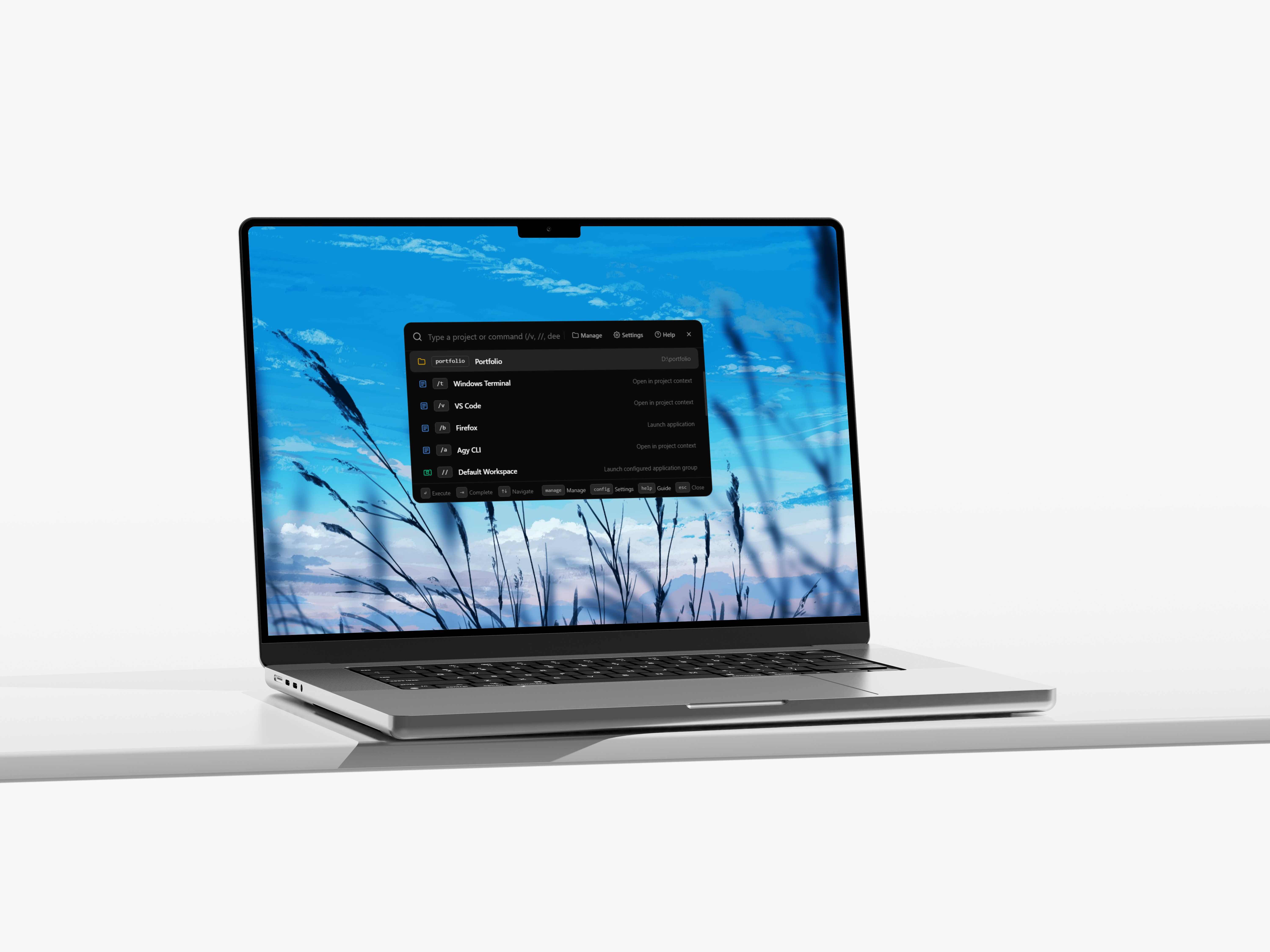
“Can a background-resident desktop launcher achieve sub-millisecond focus response and concurrent Win32 process orchestration while maintaining near-zero runtime memory bloat using Tauri v2 and Rust?”
The application operates as a background-resident desktop daemon. It hooks the global shortcut (Alt + Space), maintains Windows system tray integration, and parses composable execution pipelines that resolve projects, application shortcuts, and system commands into concurrent detached Win32 processes.
Global Shortcut (Alt + Space)
            │
            ▼
┌───────────────────────┐
│ Command Palette (UI)  │  <─── Autocomplete / Suggestions
└───────────┬───────────┘
            │  IPC (Tauri Invoke)
            ▼
┌───────────────────────┐
│ Command Parser (Rust) │  <─── Tokenization & Grammar Validation
└───────────┬───────────┘
            ▼
┌───────────────────────┐
│ Resolver & Storage    │  <─── Atomic JSON Persistence (%APPDATA%)
└───────────┬───────────┘
            ▼
┌───────────────────────┐
│ Process Executor      │  <─── Win32 Process Detachment & Shell Normalization
└───────────────────────┘Commands evaluated by the Rust parser adhere to a strict composable grammar: COMMAND := SYSTEM_COMMAND | LAUNCH_COMMAND, where LAUNCH_COMMAND := [PROJECT_IDENTIFIER]? ([APPLICATION_FLAG]+ | GROUP_FLAG | RUN_FLAG)*.
| Syntax Pattern | Example | Execution Semantics |
|---|---|---|
| <project> | deepfake | Resolves project root and opens it in Windows File Explorer. |
| <project> /<app> | deepfake /v | Resolves project and launches target app with interpolated project parameters. |
| <project> /run | deepfake /run | Spawns configured project startup commands in PowerShell 7 (pwsh). |
| <project> /<app> /run | deepfake /v /run | Concurrently opens the editor with project context and executes dev runner. |
| <project> // | deepfake // | Executes all applications assigned to Default Application Group in sequence. |
| // | // | Executes the Default Application Group standalone without project context. |
| /<app> | /v | Launches the specified application standalone without project context. |
Entering administrative verbs into the command palette dynamically shifts the interface into focused management view states:
| System Command | Target Interface | Functional Scope |
|---|---|---|
| add-project | Project Creation View | Register repository paths, preview URLs, working directories, and run scripts. |
| manage-projects | Project Management View | Search, inspect, edit, or delete existing project registrations. |
| add-app | App Registration View | Register executable binaries, launch parameters, and project-aware flags. |
| manage-apps | App Management View | Modify executable paths, configure argument lists, and launch parameters. |
| add-group | Group Creation View | Create multi-application launch bundles and define execution order. |
| manage-groups | Group Management View | Manage application groups and assign the default workspace (//) target. |
| help | Interactive Reference View | Access in-palette command cheat sheets, argument syntax, and bindings. |
| settings | Settings View | Configure autostart behavior, global summon shortcuts, and theme properties. |
Template placeholders configured in application parameters are dynamically substituted at runtime prior to process spawning:
| Placeholder | Interpolated Output | Typical Configuration |
|---|---|---|
| {PROJECT_PATH} | Absolute filesystem path to project root | Code.exe "{PROJECT_PATH}" |
| {PROJECT_URL} | Project web URL endpoint | chrome.exe "{PROJECT_URL}" |
| {PROJECT_NAME} | Human-readable project display name | wt.exe --title "{PROJECT_NAME}" |
| {PROJECT_COMMAND} | Project shortcut command alias | {PROJECT_COMMAND} |
The launcher is entirely keyboard-driven with fast navigation and state transitions:
| Key Combination | Scope | Functional Behavior |
|---|---|---|
| Alt + Space | Global System | Toggle palette window visibility and focus input. |
| Up / Down | Palette Input | Navigate active autocomplete and history suggestions. |
| Tab | Palette Input | Complete the highlighted suggestion into the active input. |
| Enter | Palette Input | Execute the current command string or selected item. |
| Ctrl + Enter | Form Views | Commit and persist form changes. |
| Escape | Global / App | Dismiss the palette or exit sub-views back to main search bar. |
Configuration state is stored in JSON format within the user application data directory (%APPDATA%\universal-launcher\) with ACID-compliant atomic file writes:
Achieved sub-millisecond window activation and instant detached process spawning with minimal idle memory footprint by replacing heavy Electron runtimes with Tauri v2 Rust IPC and atomic local JSON storage.